Streaming Roon Over VPN: How to Access Your Music Library from Anywhere
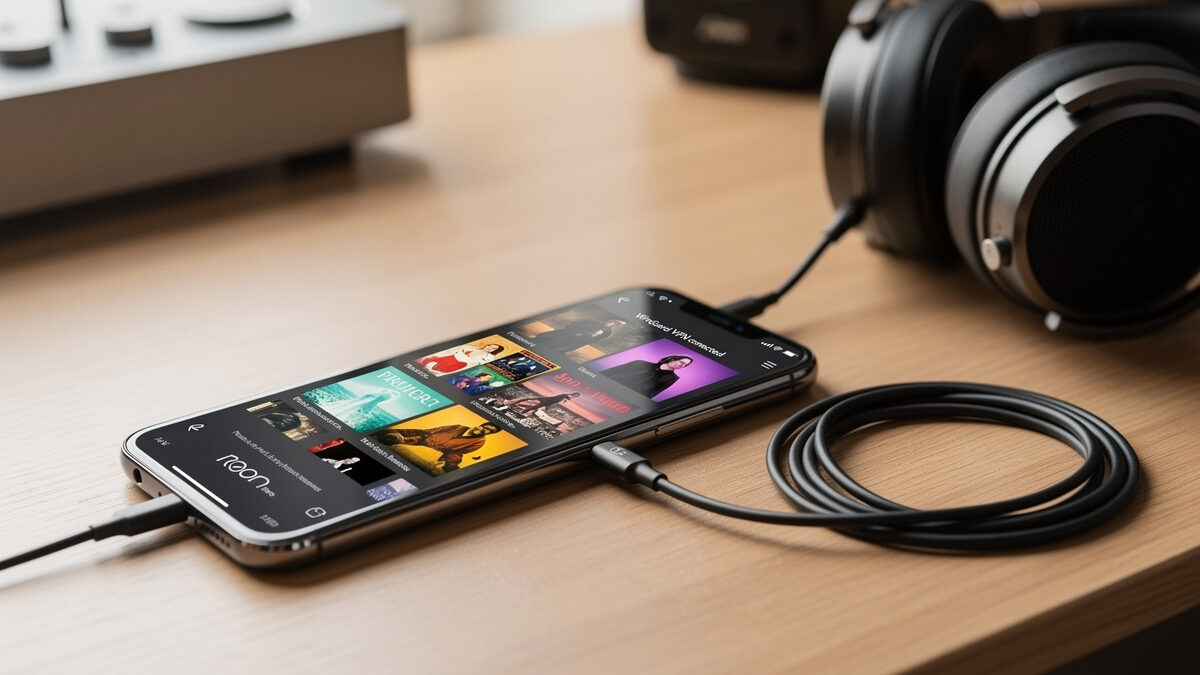
Streaming your Roon music library over a WireGuard VPN tunnel from your home server gives you lossless FLAC and DSD playback on any device connected to the VPN, regardless of where you are in the world. The setup requires a pfSense or OPNsense router running a WireGuard server at home, the WireGuard client on your phone or laptop, and Roon ARC (the mobile streaming client that connects back to your Roon Core). Once the tunnel is established, Roon ARC sees your home library as if you are on the local network — same bitrates, same metadata, same DSP convolution filters — and the only limiting factor is the upload bandwidth of your home internet connection. A 24-bit/96kHz FLAC file requires approximately 4.6 Mbps of sustained bandwidth, which any residential fiber or cable connection with 20+ Mbps upload handles without a single dropout.
Why WireGuard Instead of Roon’s Built-In ARC
Roon ARC already streams your library remotely without a VPN — it uses Roon’s cloud relay service to punch through your home NAT and establish a direct connection. The problem is that ARC relies on UPnP or manual port forwarding, and both fail in predictable ways: UPnP is disabled on any properly configured router (including pfSense and OPNsense by default, because UPnP is a security liability), and port forwarding exposes your Roon Core’s IP and port to the public internet. WireGuard solves both problems. The VPN tunnel is encrypted end-to-end, authenticated by key pairs, and does not require any open inbound ports beyond the single UDP port that WireGuard listens on. No UPnP, no port forwarding to the Roon Core, no public exposure of any device on your home network beyond the router itself.
WireGuard also handles network transitions that break Roon ARC’s direct connection — switching from Wi-Fi to cellular mid-stream causes ARC to renegotiate through Roon’s relay servers, which adds 3-8 seconds of silence and sometimes fails entirely if the relay is congested. A WireGuard tunnel survives network transitions because the VPN connection is between two IP addresses that re-establish at the kernel level within milliseconds of the network change. To Roon, the stream never dropped.
pfSense WireGuard Configuration for Roon
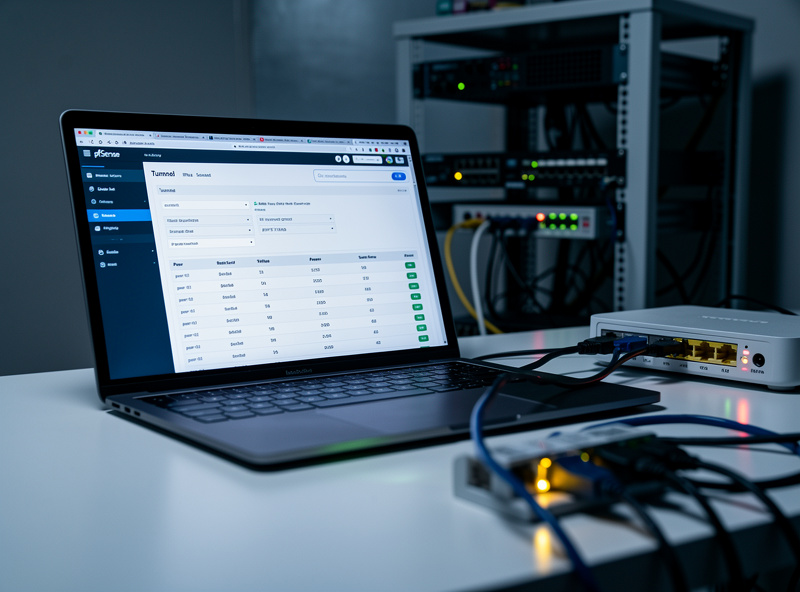
Install the WireGuard package on pfSense from System → Package Manager. Create a new tunnel with the following parameters: Listen Port 51820 (the default WireGuard port; change to a non-standard high port if your ISP blocks common VPN ports), Interface Address 10.99.0.1/24 (a private subnet that will not conflict with your home LAN), and generate a key pair. For each client device — phone, laptop, tablet — create a peer entry with the client’s public key and an allowed IP of 10.99.0.x/32 (assign each client a unique IP in the tunnel subnet). The critical setting for Roon ARC is the client’s Allowed IPs: set it to 0.0.0.0/0 on the client side only if you want all traffic routed through the VPN (slower, because all internet traffic goes through your home connection). Set it to 10.99.0.0/24 plus your home LAN subnet (e.g., 192.168.1.0/24) if you only want Roon traffic to traverse the tunnel — faster, because only the traffic destined for your home network uses the VPN, and everything else goes directly to the internet over the local connection.
Add a firewall rule on the WAN interface allowing UDP port 51820 to the pfSense WAN address. Add a firewall rule on the WireGuard interface allowing all traffic from the WireGuard subnet to the LAN subnet. That is the entire firewall configuration — two rules. WireGuard is silent (no response) to any connection attempt that does not present a valid key pair, so port-scanning your WAN on 51820 produces zero response and zero log entries.
For the complete WireGuard setup covering key generation, client configuration files, and multi-device management that applies to any remote-access use case including Roon, the pfSense WireGuard VPN setup guide on HomeLabRouter covers the full router-side configuration.
Bandwidth Requirements and Cellular Data Usage
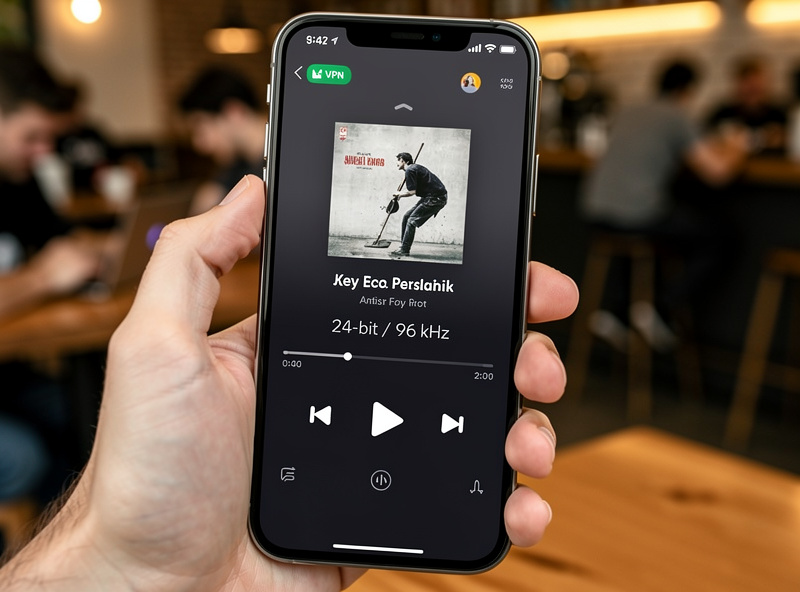
Streaming Roon over a VPN on cellular data uses the same bitrate as home Wi-Fi — the VPN tunnel does not add overhead beyond WireGuard’s 20-30 bytes per packet of encapsulation. A one-hour listening session at 16-bit/44.1kHz consumes approximately 630 MB of cellular data. At 24-bit/96kHz, the same hour consumes 2.1 GB. DSD64 at 2.8 MHz consumes 2.5 GB per hour. If your cellular plan has a 50 GB cap, you can stream roughly 80 hours of CD-quality or 24 hours of high-resolution audio per month before hitting the limit. Roon ARC has a quality-setting slider that transcodes high-resolution files to 320 kbps AAC on the fly when cellular data conservation matters — but transcoding defeats the purpose of a lossless library, and the WireGuard tunnel is transparent to whatever bitrate Roon chooses to stream. Set ARC to lossless output and monitor your data usage through your carrier’s app for the first few sessions to calibrate expectations against your plan.
Frequently Asked Questions
Can I stream Roon over a VPN from anywhere?
Yes. A WireGuard VPN tunnel from your phone or laptop back to your home pfSense or OPNsense router gives Roon ARC access to your library at full bitrate. FLAC at 24-bit/96kHz needs about 4.6 Mbps of sustained upload bandwidth at home. Any residential fiber or cable connection handles this without dropouts.
Why use WireGuard VPN instead of Roon ARC alone?
Roon ARC relies on UPnP or port forwarding, both of which fail on properly secured routers. WireGuard needs only a single UDP port open, is encrypted end-to-end, and survives network transitions (Wi-Fi to cellular) without dropping the stream. No UPnP and no port forwarding to your Roon Core required.
How much upload bandwidth does Roon streaming need?
16-bit/44.1kHz FLAC needs approximately 1.4 Mbps. 24-bit/96kHz needs 4.6 Mbps. 24-bit/192kHz needs 9.2 Mbps. DSD64 (2.8 MHz) needs roughly 5.6 Mbps. A home internet connection with 20 Mbps upload handles any single-stream Roon session with headroom for other traffic.
Will Roon ARC work over a VPN on cellular data?
Yes. WireGuard establishes a persistent tunnel that survives the transition from Wi-Fi to cellular without dropping the Roon stream. Roon ARC without a VPN renegotiates through relay servers during network changes, causing 3-8 seconds of silence and occasional failure if the relay is congested.
Do I need a static IP address at home for Roon VPN streaming?
No. A dynamic DNS service like DuckDNS or Cloudflare DDNS updates a hostname whenever your home IP changes. Point the WireGuard client to the DDNS hostname instead of a raw IP. The tunnel reconnects within seconds of an IP change — faster than Roon ARC’s built-in reconnection logic.
Will streaming Roon over VPN drain my phone battery?
WireGuard on a modern phone consumes about 3-5% battery per hour of continuous streaming because the encryption is handled in the kernel with minimal CPU overhead. Roon ARC streaming without a VPN uses comparable power for network activity. The difference is negligible for any phone manufactured after 2020.