Network Streamers: Why Your Router Choice Matters for Hi-Fi Streaming
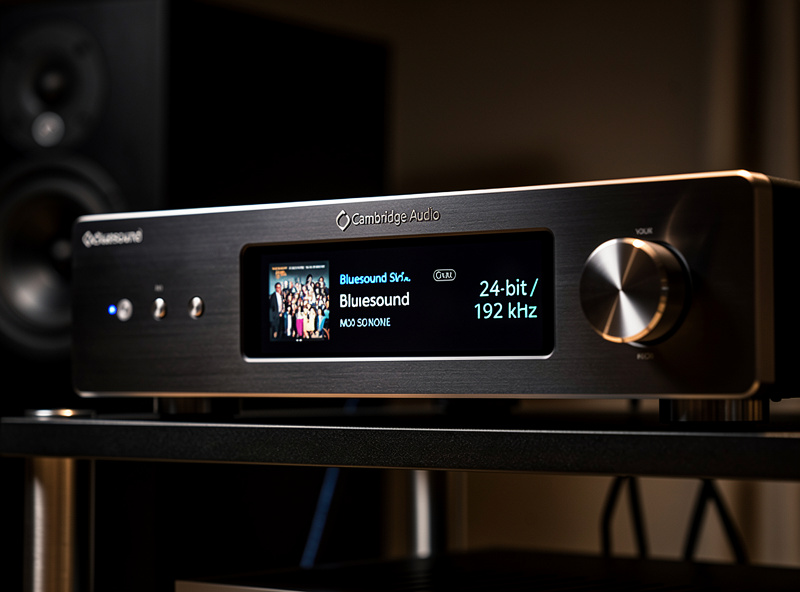
Lossless 24-bit/192 kHz audio is a 9.2 Mbps stream, comfortably within any modern broadband line. The reason a $4,000 streamer-DAC stack still drops out is not bandwidth — it is router behavior under load. A consumer ISP router routinely produces 5-15 ms of jitter, drops mDNS multicast packets that Roon needs for endpoint discovery, and tips into bufferbloat the moment a phone backs up to iCloud, all of which produce audible artifacts on otherwise pristine source material.
This guide walks through what audiophile-grade network infrastructure actually means, why a $200 managed router and switch upgrade outperforms a $1,000 DAC upgrade for streaming reliability, and the four specific router behaviors that determine whether your network is good enough for high-resolution streaming.
Why Network Quality Matters at the DAC
Most listeners reasonably assume that once digital audio reaches the DAC, the network’s job is done. In practice, three network-side problems propagate into the audible chain:
- Jitter at the streamer-to-DAC handoff. If the streamer’s input buffer runs low because of network jitter, the DAC’s master clock has to chase a moving target. The result is increased audible jitter at the analog output — measurably worse THD+N and stereo imaging, even on the same DAC.
- TCP retransmits cause buffer underruns. When packets are lost and retransmitted, the streamer’s playback buffer can drain to zero. Modern streamers handle this by either pausing briefly (audible silence) or playing back glitched data (audible click).
- Discovery protocol failures break multi-room. Roon, Tidal Connect, Spotify Connect, AirPlay 2, and DLNA all rely on multicast (mDNS or SSDP) for device discovery. Routers that drop or rate-limit multicast traffic cause endpoints to disappear from control apps mid-session.
The Four Router Behaviors That Matter
1. Jitter Performance Under Load
Jitter is the variation in packet arrival time. Audio streamers tolerate roughly 5 ms of jitter before reaching for buffer recovery; 15 ms causes brief dropouts. A consumer ISP router under load (someone streaming Netflix, a phone uploading photos) routinely hits 30-50 ms of jitter. A managed router with QoS enabled and proper buffer management (CAKE shaper or pfSense Limiters) keeps jitter under 3 ms even under heavy household load.
2. mDNS / Multicast Handling
Most consumer routers drop mDNS traffic across VLANs and rate-limit it on the same VLAN. UniFi APs need IGMP snooping enabled and “multicast DNS” enabled in advanced WLAN settings. pfSense and OPNsense need an Avahi mDNS reflector configured. Without these, Roon endpoints disappear randomly and Spotify Connect can’t find your speakers.
3. Bufferbloat Resistance
Bufferbloat is excessive packet buffering in your modem or router that adds 100-1000 ms of latency the moment any device saturates the upload. Test for it at waveform.com/tools/bufferbloat — passing grade is A or B. Most stock ISP routers fail with C or D under upload load. CAKE traffic shaping on OpenWrt or pfSense Limiters with fq_codel both eliminate bufferbloat.
4. Wired Port Quality
Stock ISP routers often have only 100 Mbps ports — fine for bandwidth but slow for buffer turnaround. Gigabit ports are universal in any audiophile network. Beyond that, fiber-uplinked managed switches (Cisco, MikroTik, UniFi) deliver lower port-to-port latency than cheaper unmanaged switches under load.
The Cross-Niche Insight Most Audiophiles Miss
The router and switch upgrade that fixes 80% of streaming issues for an audiophile is exactly the same upgrade that homelab and home-network enthusiasts have been making for years for completely different reasons. The full architecture — VLAN segmentation, QoS, mDNS reflection, bufferbloat mitigation — is documented at depth in our partner site’s pfSense firewall rules guide and the OPNsense firewall rules guide. Both cover the configuration that makes consumer-grade hardware behave like enterprise networking gear.
Wired vs Wi-Fi for Streamers
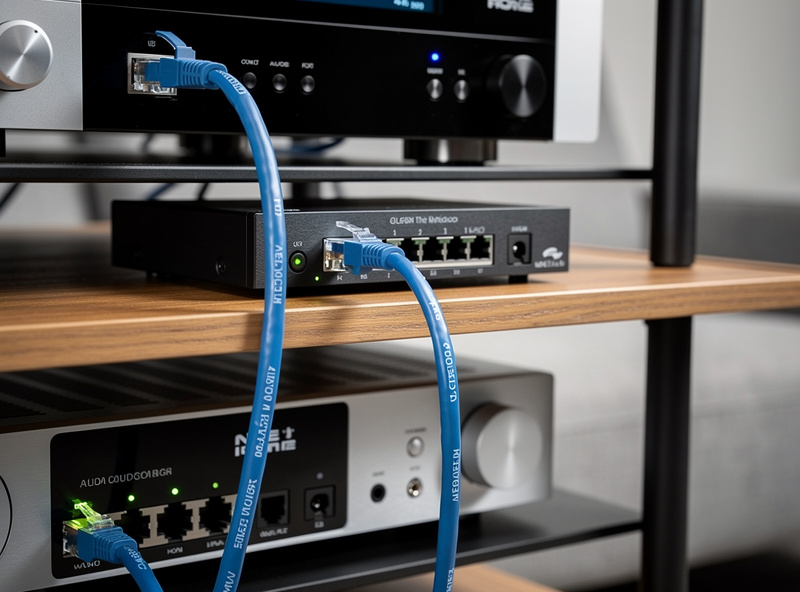
Wired Ethernet to your streamer eliminates 80% of streaming-network issues. Wi-Fi 6E on a quiet 6 GHz channel performs adequately if you can dedicate the channel to audio, but in any real-world household with neighbors’ Wi-Fi, IoT devices, and competing traffic, wired wins decisively.
For a fixed listening room: run Cat6 from your router or switch to the streamer location. A 50-foot pre-made cable costs $30-80. Time to install: 20-30 minutes if you can route cleanly along baseboards. The performance improvement is dramatically larger than equivalent dollars spent on streamer or DAC upgrades.
For multi-room audio across mobile or hard-to-wire spaces: dedicated audio SSID on a 6 GHz Wi-Fi 6E AP, with no other devices on that SSID. Place an AP within 25 feet of every active streamer. Reserve 2.4 GHz for IoT, 5 GHz for general use, 6 GHz for audio.
Streamer Categories and Their Network Demands
| Streamer class | Examples | Network demand | Right router class |
|---|---|---|---|
| Casual single-room (Spotify Connect, AirPlay 2) | Sonos, Apple HomePod, WiiM Mini | Modest — 2-3 Mbps, latency-tolerant | Modern stock ISP router |
| Lossless single-room | WiiM Pro, Bluesound Node, Cambridge MXN10 | 9-15 Mbps, jitter-sensitive | Mesh Wi-Fi 6 + wired streamer |
| High-resolution single-room | Aurender N20, Lumin U2 Mini, Bluesound Node X | 15-40 Mbps, latency-sensitive | UniFi, Eero Pro, or pfSense |
| Multi-room synchronized | Roon endpoints, Sonos S2, BluOS multiple | Multi-stream + multicast critical | Managed switch + mDNS-enabled router |
| Reference with critical timing | dCS Bartók, Esoteric N-05XD, MSB Premier Network | Sub-ms jitter target, isolated LAN preferred | pfSense + dedicated audio VLAN + 10GbE switch |
| DIY Roon Core + multiple endpoints | NUC + RoonOS, custom PC, Roon Nucleus | 10-40 Mbps + RAAT discovery | OPNsense + Avahi mDNS reflector + managed AP |
The Audiophile-Grade Network Build
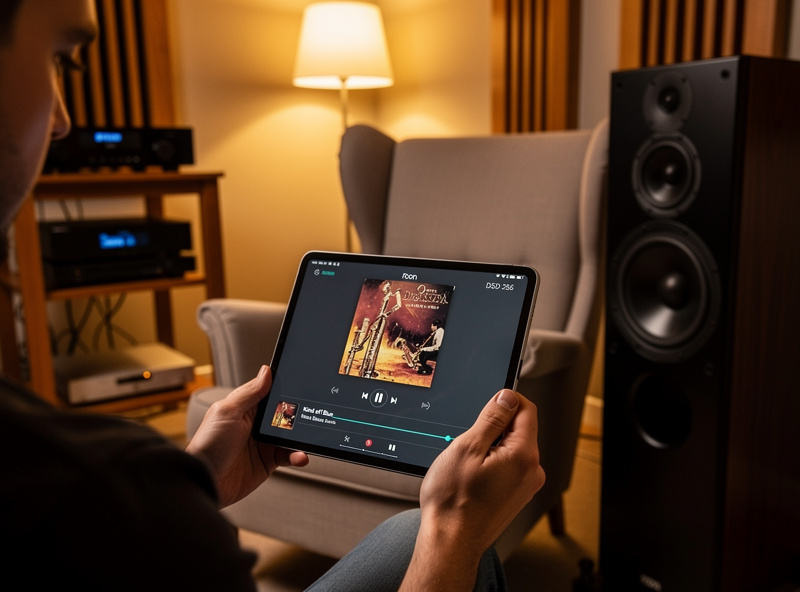
A reasonable audiophile network upgrade for a single-room high-end setup:
- Router: Mini-PC running pfSense or OPNsense ($200-400 for a Protectli Vault or Topton N100), or UniFi Dream Machine SE ($500). Either supports CAKE/Limiters bufferbloat mitigation, mDNS reflection across VLANs, and DSCP-based QoS.
- Switch: Managed 8-port (UniFi USW-8, MikroTik CRS305) at $130-200. Enables VLAN segmentation and IGMP snooping for multicast.
- Wired drop: Cat6 from switch to streamer location, $30-80.
- Optional Wi-Fi 6E AP: If you also want wireless secondary endpoints, a UniFi U6 Enterprise or Eero Pro 6E adds dedicated 6 GHz coverage at $200-400.
Total cost: $400-1,100. The upgrade improves streaming reliability dramatically and benefits everything else on the home network as a side effect.
What to Buy First
- Day 1: Run a Cat6 cable to your streamer if it’s not already wired. This single change eliminates the majority of audio-streaming issues.
- Day 2: Test bufferbloat at waveform.com/tools/bufferbloat. If grade is C or worse, that’s the bottleneck.
- Week 2: Buy and configure a Mini-PC running pfSense or OPNsense. Configure CAKE/Limiters with line speed capped at 90% of measured speedtest result.
- Week 3: Add a managed 8-port switch. Configure IGMP snooping (default on UniFi). Enable Avahi mDNS reflector if you have multiple VLANs.
- Week 4: Verify Roon RAAT diagnostic shows under 5 ms RTT, packet loss zero. Compare streaming reliability before vs after — the difference is dramatic.
For the streamer-to-DAC handoff and the DAC selection that pairs with networked sources, see the best headphone amp and DAC combos guide, the best USB DACs under $200, and the broader complete hi-fi audio systems beginner guide. For the cabling debate that often comes up in network audio discussions, see do expensive audio cables make a difference.
For deeper background on the underlying networking protocols and why bufferbloat mitigation matters, the Bufferbloat Project is the canonical free reference. The IETF RFC 4594 on DSCP-based QoS defines the EF/AF/BE traffic class system referenced in audiophile router setups.
Frequently Asked Questions
Does my router actually affect audio quality?
Yes — not for bandwidth (lossless 24-bit is only 9 Mbps) but for jitter, packet loss, and multicast handling. A stock ISP router routinely produces 5-15 ms jitter that causes audible dropouts on high-end streamer-DAC stacks. A managed router with QoS enabled eliminates this without changing any audio equipment.
Should I use Wi-Fi or Ethernet for my streamer?
Ethernet, every time, when you can. A wired Cat6 connection delivers sub-1 ms latency and zero jitter; Wi-Fi 6E on a quiet network adds 2-15 ms jitter and occasional retries. For a fixed listening room, the cost difference is $30 in cable versus hundreds in equipment upgrades that would not match the improvement.
What is bufferbloat and how do I test for it?
Bufferbloat is excessive packet buffering in your modem or router that adds 100-1000 ms of latency under load. Test at waveform.com/tools/bufferbloat — a passing grade is A or B. Most stock ISP routers fail with C or D under upload load. CAKE traffic shaping on OpenWrt or pfSense Limiters with fq_codel both fix it.
Will an expensive audio-branded ethernet switch help?
In a properly configured network, no measurable difference. Audio-branded ethernet switches sell at large markups based on shielding and power supply claims that don’t translate to measurable streaming improvements when the underlying router and switch are correctly configured. Spend the budget on the router and a wired drop instead.
How do I keep my IoT devices from interfering with audio streaming?
Put smart bulbs, cameras, and sensors on a separate Wi-Fi SSID or VLAN from your audio streamers. IoT devices are notoriously chatty (cameras uploading constantly, smart bulbs sending status updates every 30 seconds), and isolating them eliminates broadcast contention on the audio segment.
Can I use a Roon Nucleus on Wi-Fi or does it need wired?
Roon Nucleus operates over Wi-Fi but Roon themselves recommend wired Ethernet for the Core to all endpoints. RAAT (Roon’s audio transport protocol) requires sub-5 ms round-trip-time for reliable multi-room synchronized playback. Wired hits this consistently; Wi-Fi sometimes does, sometimes doesn’t.
What single network change makes the biggest audio improvement?
Wiring your streamer to the router via Cat6 instead of Wi-Fi. This single change eliminates the majority of streaming reliability issues — typically more impact than upgrading the streamer or DAC by one tier. The cost is $30 in cable and 20 minutes of installation work.