Network Audio Streaming: The Complete Hi-Fi Guide
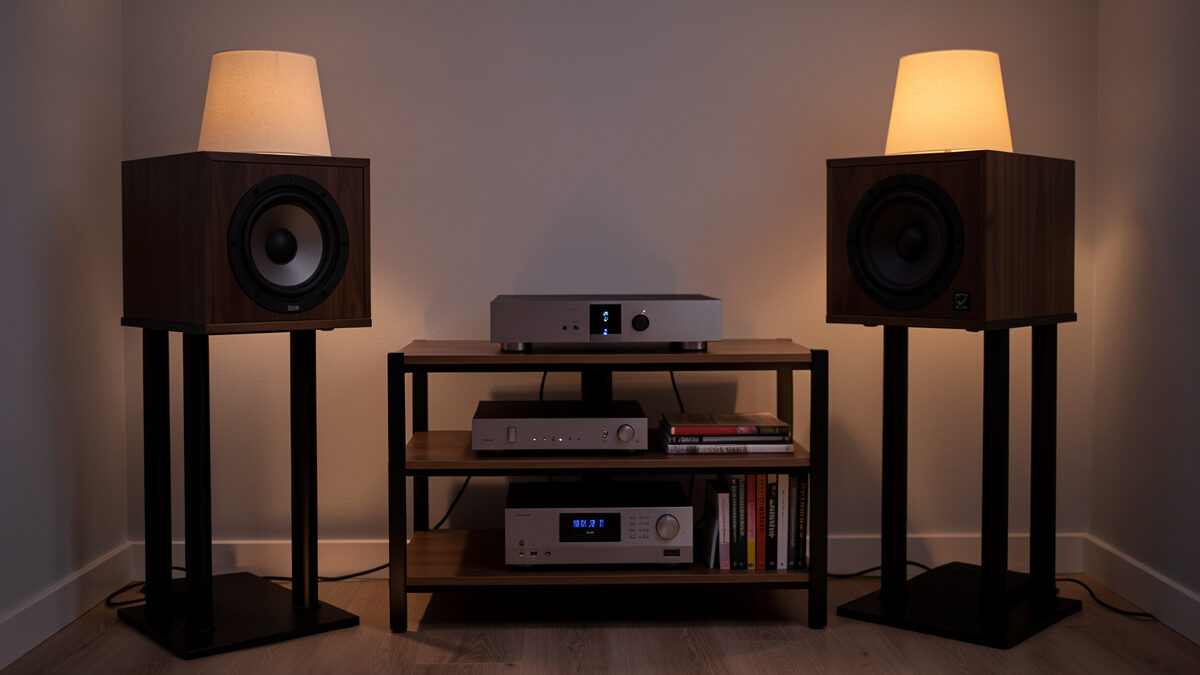
Network audio streaming means playing your music — local files and streaming services — over your home network instead of from a disc or a USB stick, with a streamer or computer pulling the bits and feeding them to your DAC. Done right it is bit-perfect and silent — a CD-quality stream is barely 1 Mbps, nothing for a modern network. The sound quality lives in the DAC, the amp, and the room, not in the network cable.
That last sentence is the whole reason this guide exists. I have spent years swapping streamers, control software, NAS boxes and services in and out of one fixed, measured listening room in Sweden, and the single most useful thing I can tell you is where the money actually changes what you hear — and where it provably does not. The network layer is plumbing. Get the plumbing reliable and bit-perfect, then spend your attention on the parts that move the measurement: the converter, the speakers, and the acoustics.
What “network audio streaming” actually means
A network audio system splits one job — “turn a file into sound” — across three roles: a control point (the app you tap), a server (where the library and the metadata live), and a renderer or endpoint (the device that receives the stream and clocks it out to a DAC). In the simplest setup all three live in one box. In a serious setup they are separate, and that separation is the point: you can put the noisy computer in another room and keep only a quiet, purpose-built endpoint next to the hi-fi.
Once you see audio in those three roles, every product on the market sorts itself. A WiiM Pro is a renderer with a built-in control surface. Roon is a server-plus-control-point that talks to renderers. A NAS is pure server. Your phone running the Qobuz app is a control point streaming from someone else’s server. None of this is mysterious once you stop thinking “magic music box” and start thinking “who holds the file, who picks the track, who clocks the bits.”
The three-box model: control, server, endpoint
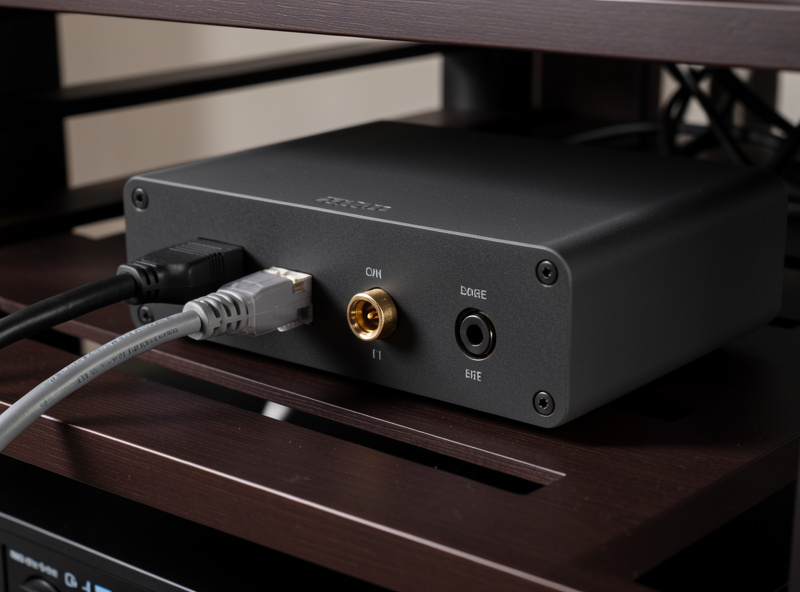
The cleanest mental model for a network rig is three boxes, even when they collapse into one. The endpoint sits at the hi-fi and does one thing well: receive a stream and hand a clean digital signal to the DAC over USB, coax or optical. The server holds your library, reads the streaming services, and does the heavy lifting of search, metadata and any upsampling. The control point is just a remote — your phone or tablet — and contributes nothing to sound quality.
Why bother separating them? Noise and placement. A computer is electrically and acoustically noisy: fans, switching supplies, USB hubs. Keeping the server in a cupboard or another room and running only a low-power endpoint at the rack means the thing touching your DAC is doing the least possible work. In my listening space the server is a small fanless NUC running Roon ROCK in a different room entirely, and the endpoints at the rack are a WiiM and a Bluesound Node. That topology is not audiophile theatre — it is the same reason you keep the phono stage away from a power transformer. Distance and isolation are free.
If you only remember one thing from this section: the endpoint does not need to be expensive, it needs to be competent — bit-perfect output, a stable clock, and an interface your DAC is happy with. I cover how to choose that hardware in the best network audio streamers guide, and the one-box-versus-two-box decision in streaming DAC vs separate streamer.
The software layer: Roon, UPnP/DLNA, and the service apps
Three families of software move audio around a home network, and they are not interchangeable. Roon is a paid, polished ecosystem with its own library brain, its own protocol (RAAT) and superb metadata — it is the option I run as the library spine, and it is also the most expensive and the most demanding on hardware. UPnP/DLNA is the free, open, slightly clunky standard baked into most NAS boxes and streamers — universal, occasionally fiddly, and perfectly capable of bit-perfect playback. And the native service apps (Qobuz, Tidal, Spotify) stream directly from the cloud with no library of your own involved.
Most real systems use two of the three at once. I lean on Roon for my ripped library and for the way it stitches local files and Qobuz into one searchable whole, but I keep UPnP working as the fallback because it never asks for a subscription and it runs on hardware Roon would choke. If you want the deep comparison, I wrote Roon vs the alternatives for the control-software decision and UPnP and DLNA explained for the open-standard side. The short version: Roon if you have a big local library and want it to feel like a streaming service; UPnP if you want free, open and good enough; service apps if your music lives entirely in the cloud.
Choosing a network streamer
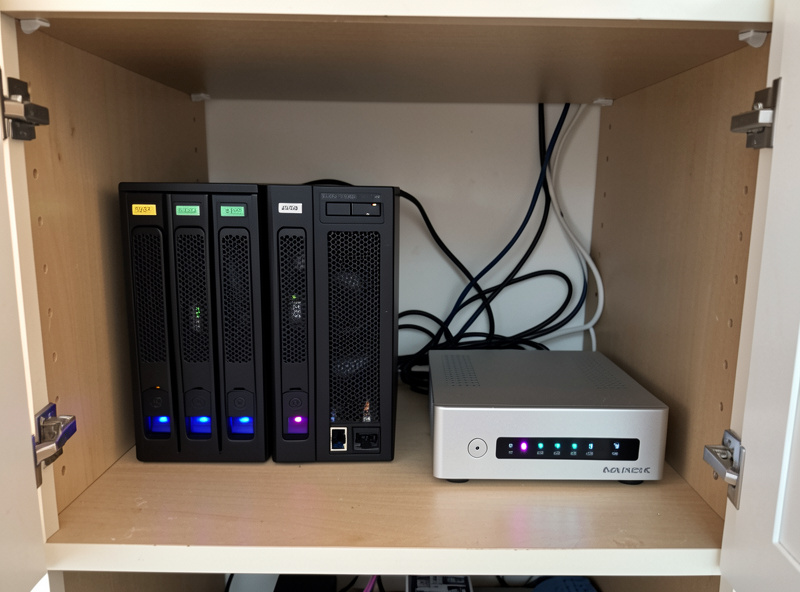
A network streamer is the endpoint — the box that joins your network and feeds your DAC. The market runs from a $99 WiiM that already does bit-perfect output and room EQ, to four-figure streamers whose extra money buys a nicer chassis, a better screen, balanced outputs and a built-in DAC you may not need. The honest truth from the bench is that the digital output of a competent $150 streamer and a $1,500 streamer measures the same into the same DAC. What you are buying above the budget tier is the DAC stage, the app polish, the build, and the I/O — not a better stream of ones and zeros.
So the buying question is really: do I already have a DAC I like? If yes, buy a transport-only or transport-plus-basic-DAC streamer and use your own converter. If no, buy a streamer with a good DAC built in and save a box. I lay out specific picks by budget — and the trap of paying streamer money for a converter you already own — in the 2026 streamer guide. For readers who want the network side handled properly, the router and switch choices matter more for reliability than for sound, which I dig into in why your router choice matters.
What a streamer’s price actually buys
| Tier | Typical price | What the money buys | Who it is for |
|---|---|---|---|
| Budget | $99–$199 | Bit-perfect output, app, room EQ, basic DAC | Anyone starting out, or feeding an existing DAC |
| Mid | $400–$900 | Better built-in DAC, balanced out, sturdier clock, nicer app | One-box buyers who want no separate DAC |
| High | $1,500+ | Chassis, screen, linear supply, premium DAC, resale cachet | Buyers who value fit/finish and integrated convenience |
Where your library lives: NAS, local, or cloud
If you own files — rips, downloads, hi-res purchases — they have to live somewhere the network can reach. Three options: on the streaming computer’s own drive (simplest, least flexible), in the cloud (a service holds them), or on a NAS — a network-attached storage box that quietly serves your whole library to every endpoint in the house. For anyone with more than a few hundred albums, a NAS is the right answer, and a two-bay unit with mirrored drives costs less than a mid-tier streamer.
The NAS does not touch sound quality — it is a file server, and a FLAC delivered from a NAS is bit-identical to the same FLAC on a USB stick. What it buys you is a single source of truth: one library, backed up, served to Roon, to UPnP, to your phone, all at once. I walk through picking the box, the drives, the RAID choice and the folder structure that keeps Roon happy in setting up a NAS for music streaming. If you are streaming only from Qobuz or Tidal and own no files, you can skip the NAS entirely — that is a perfectly legitimate modern setup.
Lossless, hi-res, and what the network actually carries
Here is where the marketing gets loud and the data gets quiet. Lossless means the file is a bit-perfect copy of the master — CD quality (16-bit/44.1kHz) is already lossless and already transparent to human hearing under controlled listening. Hi-res (24-bit, 96kHz and up) carries more data, but the audible benefit over good lossless is, in blind testing, somewhere between subtle and nonexistent — a result borne out by the Audio Engineering Society literature on high-resolution audibility. The network has to carry whatever you choose: a CD-quality FLAC is about 1 Mbps, a 24/192 file maybe 9 Mbps. Both are trivial for any home network built this decade.
What actually matters is that the chain is bit-perfect — that the bits arriving at your DAC are the bits in the file, with no sample-rate conversion, no forced resampling, no “audio enhancements” from the operating system. That is a setup detail, not a hardware purchase, and I show how to confirm it in the lossless audio streaming guide. Chase bit-perfect first. Chase hi-res only if you enjoy the collecting, because the room and the speakers will out-vote the sample rate every single time.
The streaming services: Spotify HiFi, Qobuz, Tidal
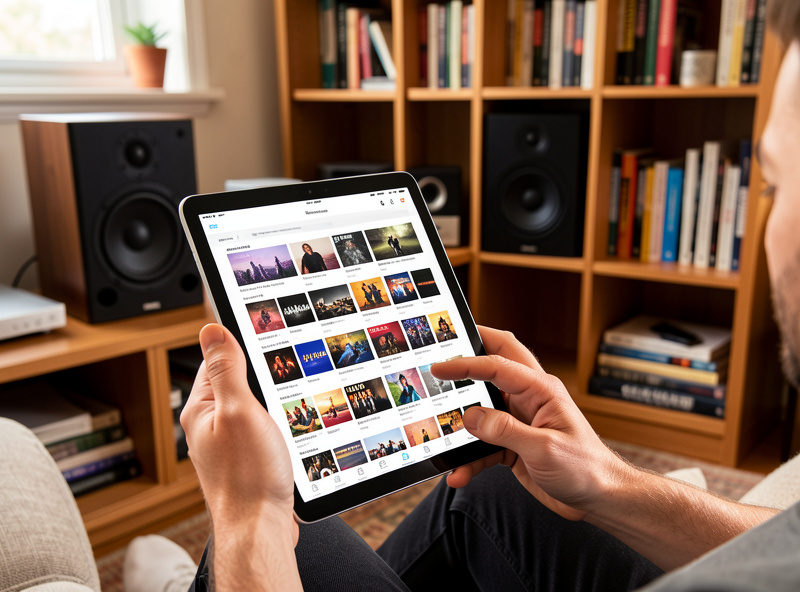
If your music lives in the cloud, the service is your library. The three that matter for hi-fi are Qobuz (lossless and hi-res, the cleanest catalogue metadata, no funny business with the stream), Tidal (lossless and hi-res, huge catalogue, a history of format churn), and Spotify (the best app and discovery, with a long-promised lossless tier). For a measurement-minded listener the calculus is simple: pick the service whose lossless stream is genuinely lossless, whose catalogue has what you listen to, and whose app you can stand. I run Qobuz as the daily because it integrates cleanly into Roon and its hi-res catalogue is deep.
The full head-to-head — sound, catalogue, price, app, and which integrates with Roon and UPnP — is in Spotify HiFi vs Qobuz vs Tidal. The headline: at the lossless tier these services sound the same when the stream is bit-perfect, so choose on catalogue and app, not on a sound-quality claim that does not survive a level-matched comparison.
Wired vs Wi-Fi, and the noise question
Wired Ethernet to the endpoint is more reliable than Wi-Fi — fewer dropouts, lower latency, no fighting the neighbours’ 2.4GHz. That is a robustness argument, and it is real. The argument you should treat with suspicion is the one that says the cable, the switch, or a $500 “audiophile” network filter changes the sound. In a correctly working system the data arriving at the DAC is identical regardless of how it travelled; if it were not, you would hear glitches and dropouts, not a “warmer midrange.”
I have measured this the way I measure everything: same track, same DAC, same room, swapping network paths and looking at the output. The frequency response and the THD+N do not move, because they cannot — the DAC reclocks the data and the bits are the same bits. Where wired genuinely wins is uptime, and that is worth doing for its own sake. Run Ethernet to the endpoint if you can, use a cheap competent switch, and put the money you saved on the “audiophile switch” into a bass trap, where it will actually change the measurement. The room is the component nobody sells you.
Putting it together: three reference builds
Theory is cheap; here is how the pieces assemble at three real budgets. Each of these is a complete, bit-perfect network rig — endpoint, library strategy, service, and where the money goes. Note what stays constant: the network is plumbing in all three, and the spend escalates on the converter and the convenience, not on the stream.
| Build | Endpoint | Library / service | Software | Where the money goes |
|---|---|---|---|---|
| Starter | WiiM Pro into existing DAC/amp | Qobuz or Tidal, no local files | Native app + UPnP | DAC and speakers |
| Core | Bluesound Node or WiiM Ultra | Two-bay NAS + Qobuz | BluOS or UPnP | NAS, DAC, room treatment |
| Reference | Dedicated transport into RME ADI-2 class DAC | NAS + Qobuz, ripped library | Roon (ROCK on a NUC) | Converter, acoustics, Roon licence |
The reference build is what I run, more or less: a Roon ROCK server on a small NUC in another room, a NAS holding the ripped library, Qobuz folded in through Roon, and quiet endpoints feeding an RME-class DAC. None of that topology was chosen for a sound-quality claim about the network — it was chosen for reliability, for one searchable library, and for keeping the noisy computer away from the rack. The sound comes from the converter, the amplifier, the speakers and the room treatment, exactly as it does in a system with no network at all.
As an Amazon Associate I earn from qualifying purchases. If you are assembling a rig, a competent budget streamer like a WiiM network streamer and a basic two-bay NAS enclosure cover the plumbing for under the price of one mid-tier box, leaving the budget for the DAC and the room.
The order of operations that actually works
Most people build a network rig backwards: they buy the streamer first, then wonder why the experience is fiddly. The order that has never let me down starts with the boring layer and ends with the fun one. First, get a wired path to the listening position if the house allows it — one Ethernet run to the endpoint removes more frustration than any upgrade you can buy. Second, decide where the library lives before you buy the player, because that decision (cloud-only, local drive, or NAS) dictates what software you need. Third, choose the software, because the software dictates which endpoints are even compatible. Only then do you buy the endpoint.
I learned this the slow way, swapping boxes in and out of one fixed room. A WiiM that refuses to see your NAS is not a defective WiiM — it is a sign you picked the hardware before the architecture. Roon will not run on a five-watt streamer; UPnP will not give you Roon’s library polish; a service-only setup does not need a NAS at all. Sort the architecture, and the shopping list writes itself. The endpoint is the last and easiest decision, not the first.
Once it is running, confirm the chain is bit-perfect, set the volume control to operate in the analog domain or at full digital scale, and leave the “audio enhancements” in the operating system switched off. Then stop tinkering with the network and go treat a first-reflection point. That is the part of the system that is still wide open on almost every setup I see, and unlike the network, it changes the measurement.
A note on multi-room and the rest of the house
One quiet advantage of going network-based is that the same library reaches every room. A NAS or a Roon server can feed the main rig, a kitchen speaker and a desktop endpoint at once, each at its own volume, all from one searchable catalogue. You do not have to use it that way — my serious listening is still one fixed chair in front of two speakers — but the option is free once the plumbing exists. If multi-room matters to you, it is worth letting it influence the software choice early, because Roon, BluOS and the various UPnP controllers handle grouped playback very differently. That, again, is an architecture decision to make before the hardware, not after.
Troubleshooting the three things that actually go wrong
Almost every network-audio fault is one of three problems, and none of them is the sound itself. The first is discovery: a streamer or NAS that will not appear in the app, which is nearly always a network-segmentation issue — a guest or IoT SSID, a managed switch filtering multicast, or a mesh that does not pass discovery between nodes. Put the server, the endpoint and the controlling phone on the same subnet and SSID, give the fixed devices static addresses, and the boxes find each other. I keep my NAS and endpoints on reserved IPs for exactly this reason.
The second is dropouts, which trace to Wi-Fi congestion or a marginal connection rather than the audio data — move the endpoint to Ethernet and they usually vanish, because the fix for unstable audio is always a more stable link, never a more expensive cable. The third is a chain that is quietly not bit-perfect: the operating system resampling, a digital volume control throwing away bits, or “enhancements” EQ-ing the output. Give the player exclusive access to the device, run digital volume at full scale, and confirm the DAC reports the file’s native sample rate. Fix those three and a network rig runs for years untouched — which is the whole point of getting the plumbing right once.
Frequently Asked Questions
Does a network streamer improve sound quality?
A streamer delivers bits to your DAC; in a bit-perfect chain a budget streamer and an expensive one feed the same data and measure the same. Sound quality comes from the DAC, amp, speakers and room, not from the streamer’s price.
Do I need a NAS to stream music at home?
Only if you own files. If your music lives entirely in Qobuz, Tidal or Spotify you can skip the NAS. If you have ripped CDs or hi-res downloads, a two-bay NAS serves them to every endpoint and is the right home for a large library.
Is wired Ethernet better than Wi-Fi for streaming audio?
Yes, but for reliability, not sound. Wired gives fewer dropouts and lower latency. The data arriving at the DAC is identical either way, so wired does not change frequency response or distortion; it just keeps the stream stable.
Is hi-res streaming worth it over CD-quality lossless?
CD-quality lossless (16-bit/44.1kHz) is already transparent under level-matched listening. Hi-res carries more data but its audible benefit is subtle to nonexistent in blind tests. Chase bit-perfect playback first; treat hi-res as a collecting preference.
What is the difference between a streamer and a streaming DAC?
A streamer is a network endpoint that outputs digital to a separate DAC. A streaming DAC combines both in one box. Choose a transport-only streamer if you already own a DAC you like; choose a streaming DAC to save a box and a cable.
Do audiophile Ethernet cables or switches make a difference?
In a correctly working system, no. The bits arriving at the DAC are identical regardless of cable or switch, and the converter reclocks them. If a cable changed the data you would hear dropouts, not a tonal shift. Spend that money on room treatment instead.