Best DAC and Amp Stack for Desktop: How to Build One
The best DAC and amp stack for a desktop is the one that gives you clean, transparent conversion plus enough headroom for your headphones or monitors — and on a desk that ceiling is reached far cheaper than the hobby pretends. A competent stack starts around $200 and a measurement-grade one like the RME ADI-2 sits near $1,000, but the audible gap between them is small. What you are really buying above the budget tier is features and drive, not a different sound.
I run an RME ADI-2 as the reference on my bench and I have A/B’d it against budget Topping, SMSL, and Schiit gear on the same headphones and monitors, level-matched. This guide is how to build the right stack for your desk without overpaying for a tonal character the measurements say is not there.
What a DAC and Amp Stack Does
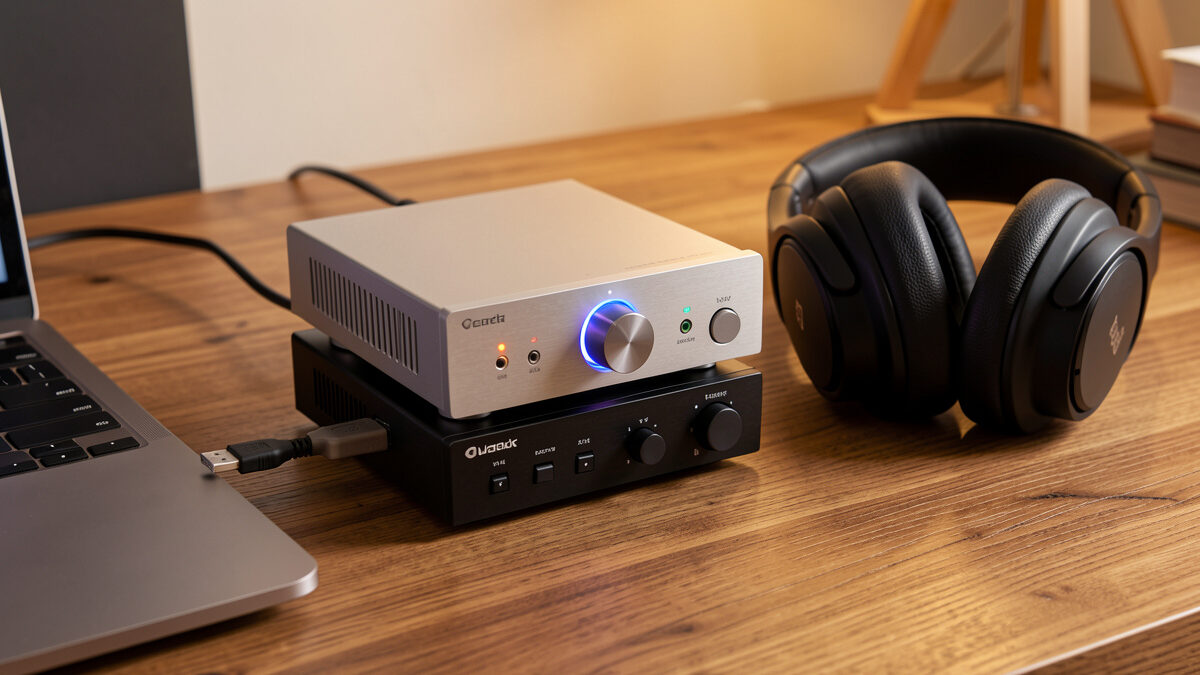
A DAC/amp stack is two jobs in one signal path: the DAC converts the digital stream from your computer into an analog voltage, and the amplifier raises that line-level signal to drive headphones or feeds it on to powered monitors. On a desk you can buy them as two separate boxes, as one combined unit, or as an all-in-one that also streams. For most people the combined DAC/amp is the sweet spot — one box, one USB cable, one volume knob.
The reason the budget tier gets you so far is that conversion is essentially solved. A modern DAC measuring above roughly 110 dB SINAD is transparent: its noise and distortion sit below what any ear can detect. The amp side is where real differences live, because an underpowered amp cannot drive a demanding headphone to its full dynamic range. So the honest way to spend is: pick a transparent DAC, then make sure the amp has the power your transducer needs.
Combined Unit, Separates, or All-in-One?
A combined DAC/amp is the default for a desk: fewer boxes, one cable run, and the manufacturer has matched the two stages. Separates — a standalone DAC into a standalone headphone amp — make sense only when you need more amp power than a combined unit offers, or you want to upgrade one half later. An all-in-one that adds streaming and a remote, like an RME or a feature-rich Topping, suits a clean desk where you want everything in one place.
I keep my reference as one box deliberately. On a desk, every extra interconnect is another thing to dress, another ground path, another point of noise pickup next to a computer. Unless you are driving a notoriously hard-to-power planar, a single good combined unit is the smarter buy. The wider context of where these boxes sit in the chain is in the desktop audio setup guide.
Matching the Amp to Your Headphones
This is where stacks are won or lost. Two numbers decide it: the headphone’s impedance (in ohms) and its sensitivity (loudness per milliwatt). A 300-ohm Sennheiser HD 650 wants voltage and a comfortable power reserve; a sensitive 32-ohm closed-back needs almost none and can hiss on a high-gain output. The amp has to supply enough clean power into the load without straining or adding noise.
My HD 600-series headphones come alive with a proper desktop amp and sound thin out of a phone or weak dongle — that is the audible difference power makes, and it is real. A HiFiMan Sundara, being a less sensitive planar, asks for even more current. Get this matching right and the cheapest transparent DAC in the chain will sound identical to the most expensive one. The full method is in how to match headphone impedance and best headphone amps under $300.
Feeding Powered Monitors Instead
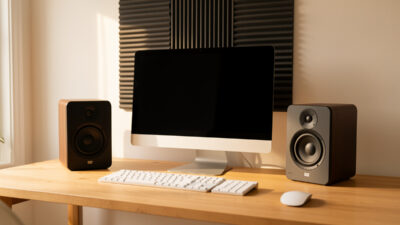
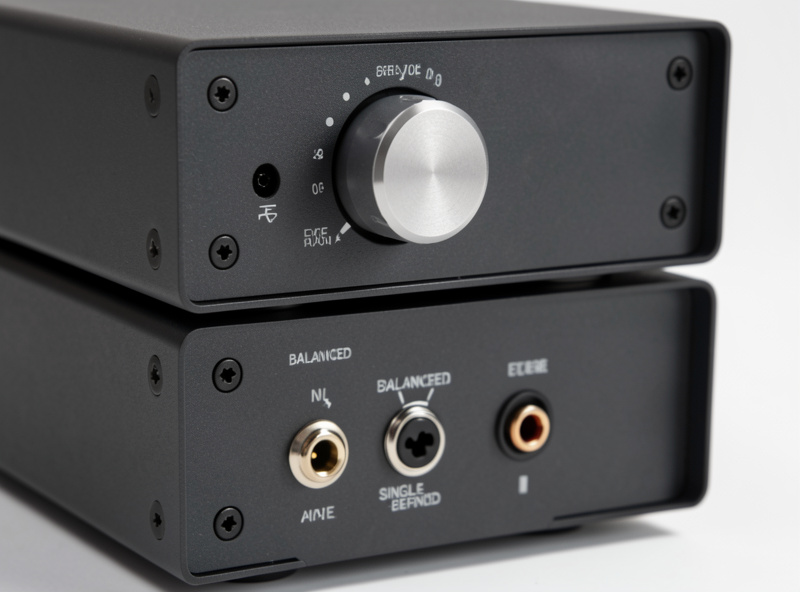
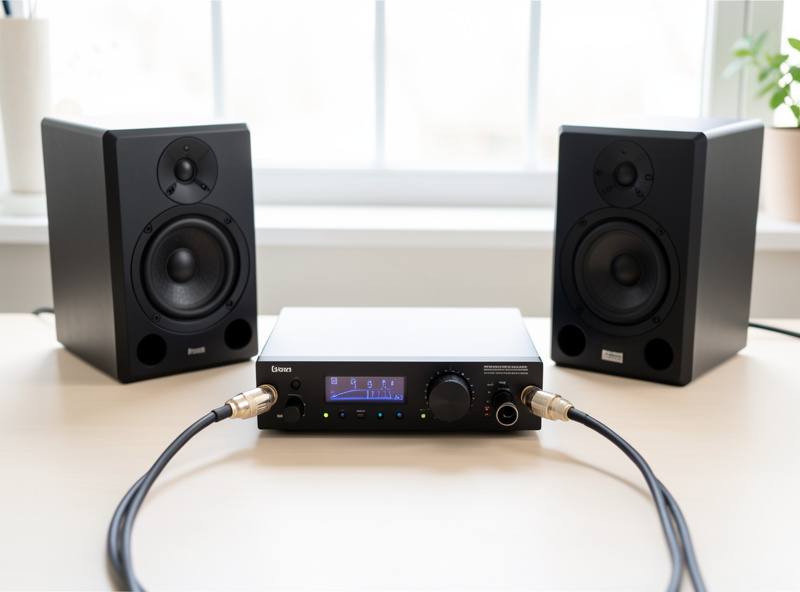
If your desk runs active monitors rather than headphones, your “amp” is already inside the speakers — so the stack collapses to just a DAC with a line output and a volume control. This is where a unit with a good hardware volume knob and balanced XLR outputs earns its place, because XLR or TRS runs to monitors reject noise over the short trip across a computer desk. You are not buying amp power here; you are buying a clean, controllable line stage.
A DAC with a remote and a real preamp output, like the RME, makes a monitor desk genuinely pleasant to live with. If you go this route, prioritise outputs and volume control over headphone-amp muscle. The active-speaker side is covered in powered vs passive desktop speakers and best desktop speakers for audiophiles.
Stack Tiers by Budget
Here is how I would spend at each level, based on what the gear actually delivers rather than what the marketing claims. Every tier below is transparent on the DAC side; you are buying amp power, features, and build as you climb.
| Tier | Typical spend | What you get | Best for |
|---|---|---|---|
| Budget combined | $100–200 | Transparent DAC + adequate amp, USB-C | Most easy-to-drive headphones |
| Mid combined | $200–450 | More power, balanced out, better volume control | Demanding dynamics, light planars |
| Reference all-in-one | $700–1,100 | Immaculate measurements, EQ, remote, preamp | Monitors + headphones, one box |
| Separates | $600–1,500+ | Standalone DAC + high-power amp | Hard-to-drive planars only |
Where the Money Stops Mattering
Above the transparent threshold, extra spend buys features and drive, not fidelity. A $1,000 DAC does not make a track sound “better” than a $200 one feeding the same headphones at matched volume — in a blind, level-matched comparison the difference vanishes. What it buys is a hardware volume knob you love, parametric EQ, a remote, balanced outputs, and the reassurance of a perfect measurement sheet. Those are legitimate reasons to spend. “It sounds warmer” is not.
So set your budget by your transducer and your feature wishlist, not by chasing a tonal upgrade that the numbers say is not there. Buy a transparent DAC, an amp with enough clean power for your headphones, and the connectivity your desk needs — then put the leftover money toward the speakers or the room, where it actually changes what you hear. For broader DAC selection logic, see the DAC buying guide, best DAC by budget, and best headphone amp and DAC combos.
As an Amazon Associate I earn from qualifying purchases. If you are shopping, a combined desktop DAC and headphone amp covers most builds.
Connectivity and Noise on a Desk
A desktop stack lives in the worst electrical neighbourhood in audio: inches from a power supply, a graphics card, and a tangle of USB peripherals. That proximity is the real reason an external stack beats onboard audio, and it is also why connection choices matter more here than in a living-room rack. Prefer a USB input with good galvanic handling, keep the analog run from DAC to amp or monitors short, and use balanced outputs to your speakers whenever the gear offers them — balanced connections reject the noise a single-ended RCA run can pick up beside a computer.
If you hear a faint whine that changes pitch when you scroll or move the mouse, that is a ground loop, not a faulty DAC — almost always cured by a USB isolator or by powering the stack from a different outlet than the computer. I keep my desktop chain on a clean feed and the noise floor stays where the measurements say it should. None of this costs much; it is about routing, not exotic parts. The full cabling logic is in the desktop audio cable guide.
Frequently Asked Questions
Do I need separate DAC and amp boxes for my desk?
Usually no. A single combined DAC/amp is the better default for a desk: fewer cables, one volume knob, and the two stages are factory-matched. Buy separates only when you need more amplifier power than a combined unit offers, such as for a hard-to-drive planar headphone.
How much should I spend on a desktop DAC and amp stack?
A transparent combined unit starts around $100 to $200 and reaches measurement-grade quality near $1,000. The audible difference between tiers is small. Set your budget by how hard your headphones are to drive and which features you want, not by chasing a tonal upgrade.
Will a more expensive DAC sound better?
Rarely. Above roughly 110 dB SINAD a DAC is transparent, meaning its noise and distortion sit below audibility. At matched volume an expensive DAC and a budget one sound the same. Extra money buys features such as EQ, a remote, balanced outputs, and amp power, not fidelity.
What matters most when matching an amp to headphones?
Impedance and sensitivity. High-impedance headphones such as a 300-ohm Sennheiser want voltage and headroom, while sensitive low-impedance models need very little power and can hiss on a high-gain output. Match the amp to the load and even a cheap transparent DAC sounds identical to a pricey one.
Do I need an amp if I use powered monitors?
No. Powered monitors have the amplifier built in, so your stack becomes just a DAC with a line output and volume control. Prioritise a good hardware volume knob and balanced XLR or TRS outputs, which reject noise on the short run across a computer desk, over headphone-amp power.