Desktop vs Portable DAC: Which One Fits Your Setup
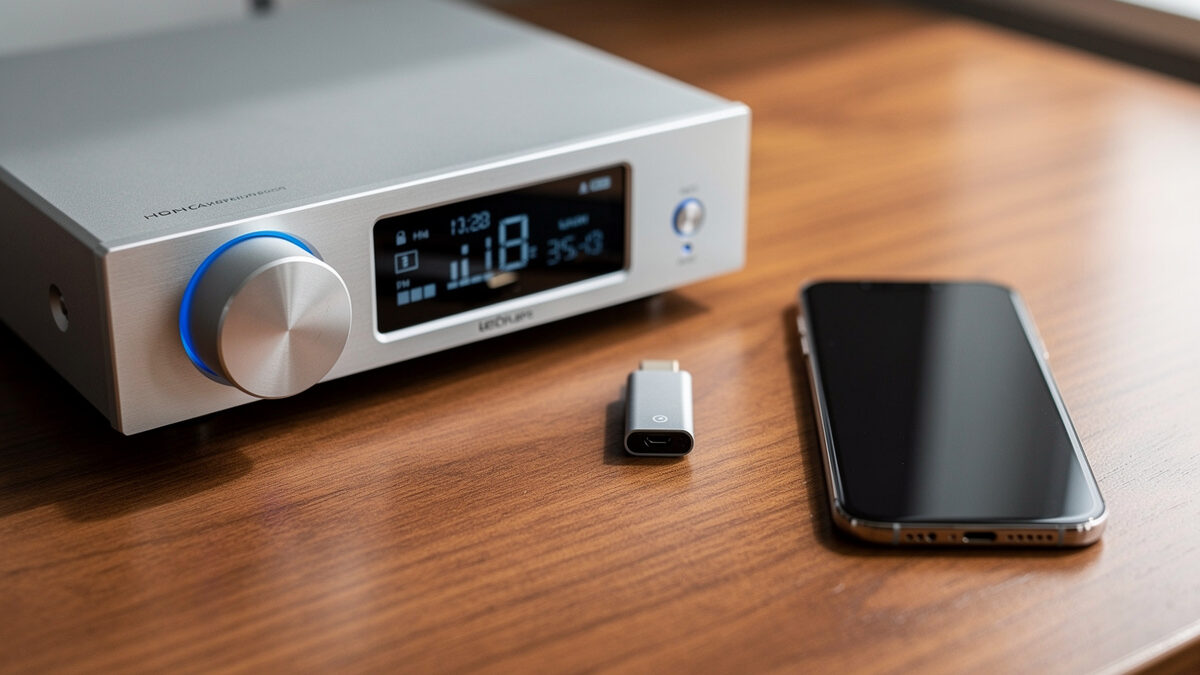
Desktop versus portable DAC is really a question about your life, not your ears. After living with both a fixed reference on my listening bench and a pocketable dongle for the phone, my answer is simple: buy the desktop unit if your listening happens in one place with mains power, and the portable if your music moves with you. Both can be transparent; the form factor is the whole decision.
What trips people up is assuming portable means compromised. A good modern USB-C dongle measures well enough to be audibly transparent driving most headphones, and a desktop unit’s advantages are about power, features, and connectivity rather than some inherent sonic superiority. This guide sorts the genuine trade-offs from the imagined ones so you buy for how you actually listen.
The Real Difference Is Power and Features
A desktop DAC runs on mains power and has room for a beefier output stage, more inputs, a proper volume control, and often a built-in headphone amp with real current on tap. A portable DAC trades all of that for battery or bus power and a tiny footprint, which limits how hard it can drive demanding headphones. Neither is more “accurate” — they are engineered for different constraints.
The mains-power point matters more than the marketing admits. A desktop unit can run a clean, well-regulated supply that a battery-limited dongle simply cannot match in output headroom, which is why hard-to-drive planar headphones belong on a desktop rig. For easy loads — efficient IEMs, most portables — a dongle has all the power it needs. I cover the load side of this in the headphone buying guide.
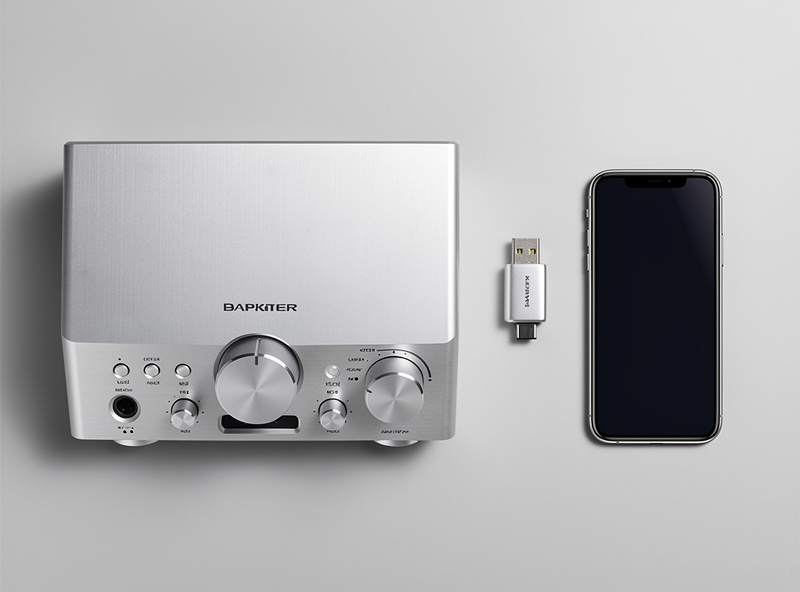
Where the Desktop DAC Wins
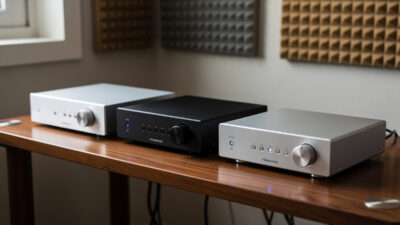
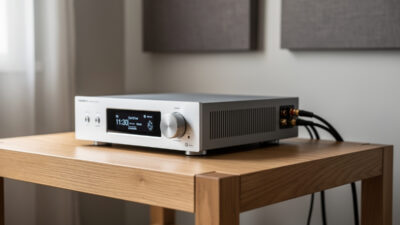
The desktop DAC wins on connectivity, drive power, ergonomics, and as a system hub. It gives you optical and coaxial inputs to break ground loops, a remote and display, enough current for any headphone, and a fixed line output to feed an amplifier or active speakers. For a home rig that stays in one room, that is the obvious choice.
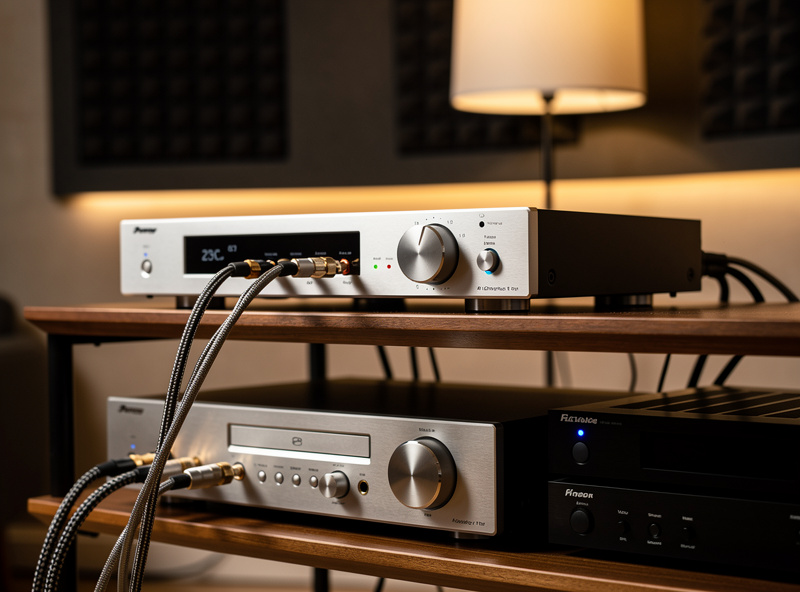
It is also the unit that doubles as a system anchor. In my listening space the desktop reference feeds the power amp directly through its volume control, skipping a preamp entirely — a real simplification a dongle cannot offer. If you are building a fixed chain, the desktop DAC slots in exactly where my DAC buying guide and amplifier matching guide put it.
Where the Portable DAC Wins
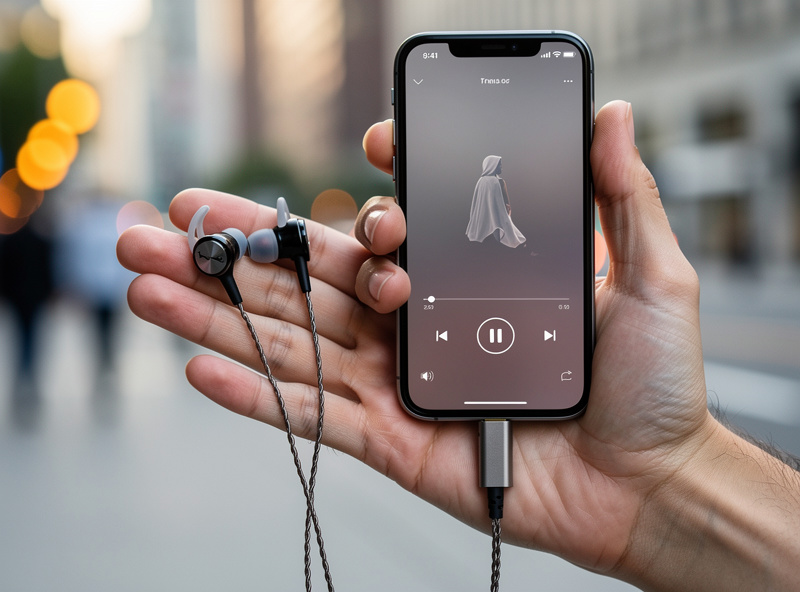
The portable DAC wins the moment your listening leaves the desk: it turns a phone or laptop with a mediocre or missing analog output into a clean source, in a package the size of a thumb drive. For commuting, travel, or just untethering from the rig, a good dongle is one of the best value upgrades in audio. It also costs a fraction of a desktop unit.
Modern dongles have closed most of the gap that used to exist. A current USB-C dongle delivers transparent conversion and enough power for IEMs and efficient on-ear headphones, with a balanced 4.4mm output on many models for a bit more headroom. The only thing it cannot do is muscle a power-hungry planar headphone to satisfying levels — that is still desktop territory.
Desktop vs Portable DAC at a Glance
This table lines up the two form factors against the factors that actually decide the purchase: power, features, portability, and price.
| Factor | Desktop DAC | Portable DAC / Dongle |
|---|---|---|
| Power source | Mains (clean, regulated) | Battery or USB bus power |
| Headphone drive | Any load, incl. planars | IEMs and easy headphones |
| Inputs | USB, optical, coax | USB-C only |
| Ergonomics | Remote, display, volume knob | Inline or app control |
| Best for | Fixed home rig | Phone, laptop, travel |
| Typical price | $120-$900 | $30-$400 |
Connectivity and Daily Use
Connectivity is where the two form factors diverge hardest, and it often decides the purchase before sound ever enters the picture. A desktop DAC typically offers USB plus optical and coaxial inputs, letting you connect a computer, a streamer, and a TV or game console to one box and switch between them. A portable dongle gives you a single USB-C input and nothing else — it is built to do one job, cleanly, from one source.
That difference shapes daily life with the gear. With the desktop unit I can feed it from the Roon endpoint over USB, drop in an optical feed from another source to dodge a ground loop, and control everything from a remote without leaving the listening seat. The dongle, by contrast, is gloriously simple: plug it into the phone, plug the headphones in, done — no power cable, no menus, no shelf space. If your priority is a flexible hub, the desktop wins; if it is grab-and-go simplicity, the dongle does. Optical input in particular is worth calling out, because it is the cleanest fix for the ground-loop hum I describe in the balanced vs single-ended guide, and no dongle offers it.
Do They Actually Sound Different?
At matched levels into the same headphones, a competent desktop DAC and a competent portable dongle are far closer than the price gap suggests, and on easy loads they are often indistinguishable. The audible differences that do appear come from power delivery into hard loads and from the output stage, not from the conversion itself. This is the same lesson the whole site keeps proving: above a modest baseline, transparency is cheap.
On my bench, when I drive an efficient pair of in-ears, a $50 dongle and my desktop reference measure transparent and sound the same once I match output level. Switch to a demanding planar headphone and the story changes — the dongle runs out of headroom and starts to sound compressed and strained at the top of the volume range, while the desktop unit cruises. That is not the DAC chip failing; it is the amplifier section behind it running out of current. The takeaway is to buy the form factor whose power matches your headphones, not the one with the higher price tag. The deeper version of this argument lives in my DAC chips explained guide, where the chip turns out to be the least important part.
The Hybrid Option: Transportable DACs
Between the tiny dongle and the full desktop sits a transportable category — battery-powered units a bit larger than a phone with a real headphone amp and sometimes balanced outputs. These split the difference for people who want desktop-class power they can still pick up and move between rooms or take on a trip. They cost more than a dongle and weigh more in the bag, but they drive harder headphones than a dongle ever will.
I see transportables as a niche-but-real answer for two listeners: the apartment dweller who moves the same rig between a desk and a couch, and the traveler who refuses to leave a power-hungry headphone behind. If neither describes you, the cleaner decision is a dedicated desktop unit at home and a cheap dongle in the bag — two specialized tools usually beat one compromise. Either way, match the amp power to the load, exactly as the headphone buying guide spells out.
Which One Should You Actually Buy?
Buy a desktop DAC if your listening lives in one room with mains power and you drive demanding headphones or feed an amplifier; buy a portable DAC if your music moves with you and you mostly use IEMs or easy headphones. Plenty of people sensibly own both — a desktop anchor for the rig and a dongle for the commute — because they solve genuinely different problems rather than competing on sound.
If I had to pick one as a first purchase, I would match it to where you spend the most listening hours. For a fixed setup, the desktop unit’s power and connectivity pay off daily; for a mobile life, the dongle’s convenience is the feature you will actually use.
One more practical tip from living with both: a dongle is the smarter first buy if you are still figuring out your headphones, because it costs little and reveals whether you even need more power. If your headphones sound strained on a dongle, that is your signal that a desktop unit’s amplifier section is the real upgrade — not a fancier converter. Letting the cheap option diagnose the need has saved me, and plenty of readers, from buying expensive desktop gear that the actual listening did not require. Spend on the bottleneck the headphones reveal, and put whatever is left into the room.
Disclosure: the links below are Amazon affiliate links; I may earn a small commission at no cost to you, and I only link gear I would run myself. They are search links so they never go stale.
For a do-everything desktop unit with real headphone power, the FiiO desktop DAC/amp is my standing recommendation, and for the pocket, a clean USB-C DAC dongle turns any phone into a transparent source for a fraction of the price. If you want my entry-level desktop picks, the best USB DACs under $200 roundup covers the value end.