EQ for Headphones: Software Guide and Profiles
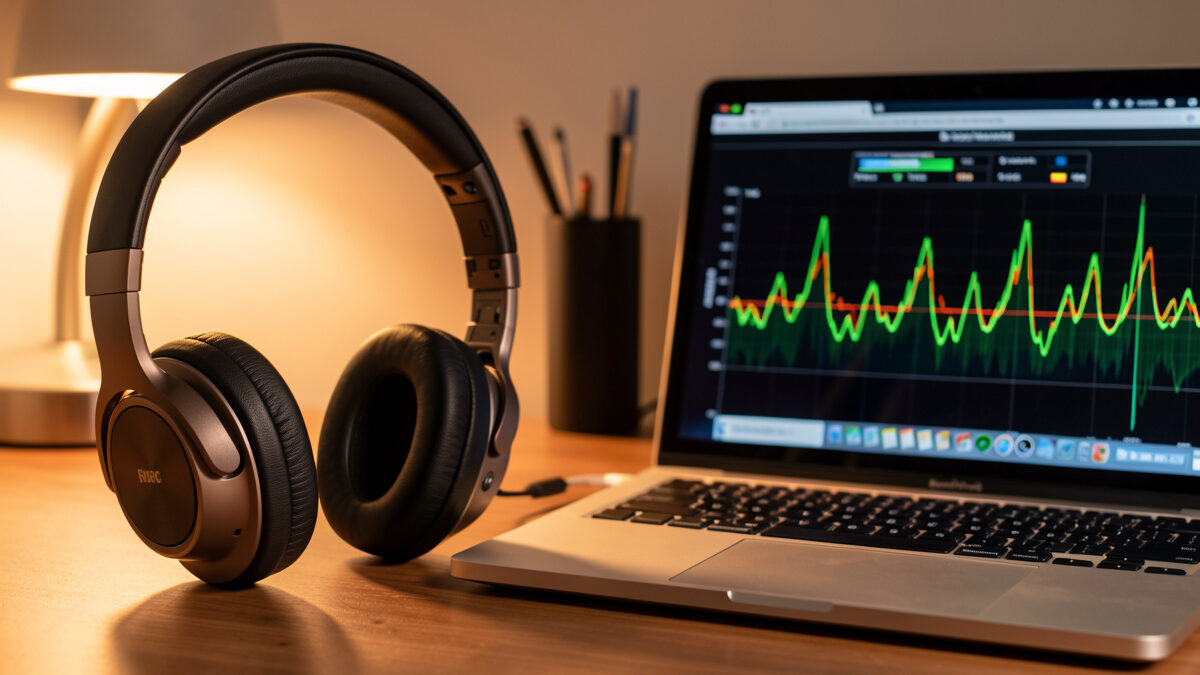
EQ for headphones is the lowest-risk, highest-reward equalization in all of audio, and I run it on every pair I use. The reason is simple: there is no room. With speakers, EQ fights a chaotic acoustic space full of modes and reflections that change with every head movement. With headphones, the only acoustic space is the tiny one between the driver and your eardrum, so EQ becomes a clean, repeatable correction of a known target rather than a battle with physics. A few well-chosen filters can make a good headphone noticeably better, and unlike room EQ, almost nothing can go badly wrong.
This is the practical guide to headphone EQ software: why it works so well, the categories of tools that apply it, how to build a profile, and the few real limits. It is the headphone counterpart to the room-based work in my home audio equalizer guide — same discipline, far friendlier playing field.
Why Headphone EQ Is So Effective
Every headphone has its own frequency response — a built-in tonal signature determined by its drivers and acoustic design. Some are bright, some are bassy, some have a dip or a peak in the presence region. Headphone EQ lets you reshape that response toward a target you prefer, and because the headphone’s behavior is consistent and repeatable, the correction holds every time you put them on. There is no seat to sit in wrong, no room mode shifting under you. You build the profile once and it just works.
Even better, the failure modes that make room EQ risky simply do not exist here. There are no uncorrectable nulls from destructive interference, no phase chaos from competing reflections, no seat dependence. You are gently reshaping a smooth response toward a target, which is about as safe as EQ gets. The main thing to respect is headroom: boosting frequencies in software can clip the digital signal, so I build profiles mostly by cutting the peaks and trimming overall level to leave margin, the same cut-don’t-boost discipline that keeps any EQ transparent.
The Target Curve
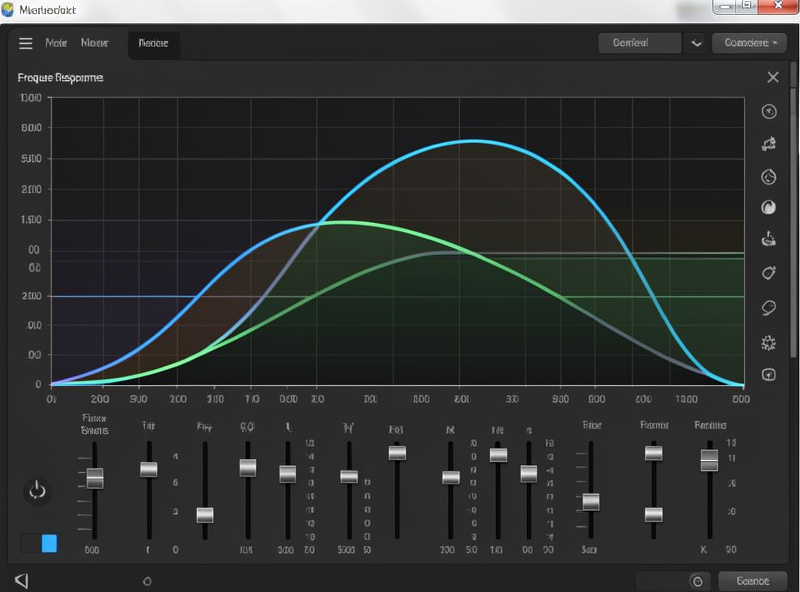
Headphone EQ is most useful when you correct toward a sensible target rather than dialing by raw taste. The widely used research-based targets describe roughly how a neutral-sounding headphone should measure at the ear — generally a gentle bass shelf, a fairly flat midrange, and a controlled treble. Correcting a headphone toward such a target tends to produce a balanced, natural sound that most listeners prefer, and it gives you a principled starting point instead of guessing.
From that corrected baseline, you season to taste — a touch more sub-bass, a slightly softer treble if a headphone is fatiguing. This is the same two-stage philosophy I apply everywhere: correct to neutral first, then adjust to preference deliberately on top, rather than blindly boosting and cutting from scratch. The target gets you to a known-good place; your ears do the final tuning. The key is that the tuning is informed, not random.
The Categories of Headphone EQ Software
The tools fall into a few clear categories, and which you want depends on how widely you need the EQ to apply. The distinction that matters most is system-wide versus per-application, and whether the tool supports simple parametric bands or full convolution profiles.
| Type | Scope | Best for | Notes |
|---|---|---|---|
| System-wide EQ | All audio on the device | One headphone, all apps | Set once, applies everywhere |
| Per-app / player EQ | One application | A specific music player | Does not affect other audio |
| Parametric plugin | Where it is inserted | Manual filter building | Frequency, gain, Q control |
| Convolution / profile | System or app | Loading measured profiles | Applies a full correction file |
| Mobile EQ apps | Phone playback | On-the-go listening | Varies by platform |
For a desktop rig where I want one headphone corrected across everything, a system-wide EQ is what I reach for — set the profile once and every app benefits. For loading a complete measured correction, a convolution-capable tool applies a full profile file in one step. The point is to match the tool’s scope to how you actually listen: there is no single best tool, only the right scope for your setup.
Building a Profile
You do not need to measure your own headphones to EQ them well — and measuring headphones properly is genuinely hard, requiring a measurement fixture most people will never own, so this is one of the few places I lean on published data rather than my own bench. Reputable measurement databases publish the frequency response of most popular headphones along with suggested parametric EQ settings to correct them toward a neutral target. You take those settings as a starting point, enter them into your EQ software, and listen.
From there, refine by ear over a week or two of real listening rather than a quick A/B. I make small adjustments — easing the treble a touch, adjusting the bass shelf — and live with each change before deciding. The published settings get you ninety percent of the way; the last ten percent is your ears and your preference. Because the headphone’s response is stable, once you settle on a profile it stays correct, which is the great luxury of headphone EQ over room EQ. There is no drift, no re-measuring, no seasonal change.
Setting It Up, Start to Finish
The whole process is short enough to do in an evening. First, find the published correction settings for your exact headphone model from a reputable measurement source — the values are usually given as a list of parametric filters, each with a frequency, a gain, and a Q, plus a preamp value to set overall level for headroom. Note that small variations between samples and ear-shape differences mean these are a starting point, not gospel, but they are a far better starting point than guessing.
Second, choose your EQ tool to match how you listen, using the categories above — system-wide if you want everything corrected, a parametric plugin or player EQ if you only need it in one place. Enter the preamp value first (this is the level trim that prevents the boosts from clipping), then enter each filter band exactly as published. Take your time and double-check the numbers; a transposed frequency is the most common setup error.
Third, listen and refine. Play music you know intimately and live with the profile for a few days before making changes. When you do adjust, change one thing at a time — a small treble cut, a slightly bigger bass shelf — and give your ears time to settle on each. The temptation is to fiddle endlessly, but the best profiles are usually the published correction plus one or two small personal tweaks, not a heavily reworked curve. Restraint produces better results than enthusiasm here.
That is the entire workflow: published settings in, headroom trimmed, then a week of small refinements by ear. Compared to the measure-treat-correct-remeasure loop that room EQ demands, headphone EQ is almost trivially easy, which is exactly why it is the first equalization I recommend anyone try. It teaches the core habits — cut don’t boost, mind the headroom, correct toward a target then season to taste — in the friendliest possible environment, and those habits carry straight over to the harder room-based work.
Common Headphone EQ Scenarios
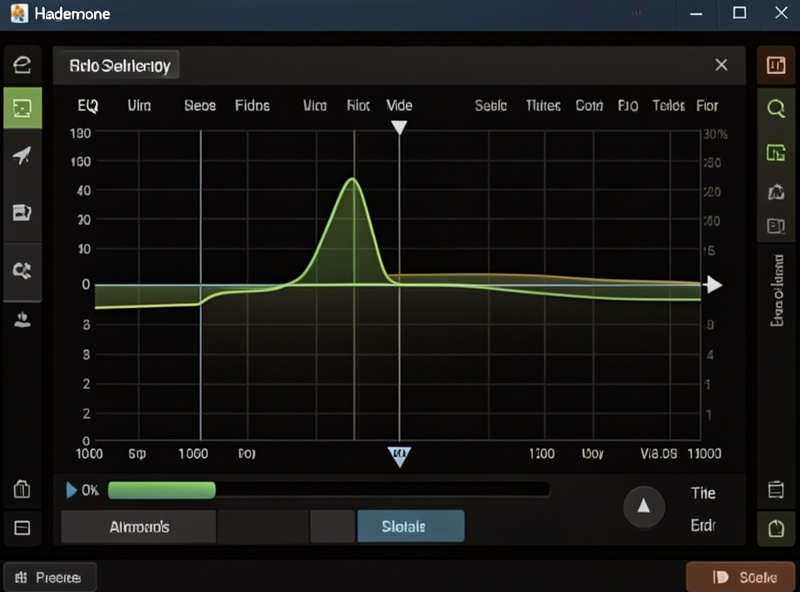
A few situations come up constantly, and EQ handles each cleanly. The most common is a headphone with too much treble — a sharp peak in the upper midrange or presence region that makes vocals sibilant and cymbals splashy after an hour. A single well-placed cut on that peak transforms a fatiguing headphone into one you can wear all day, and this is probably the most valuable EQ move there is, because treble peaks are exactly what cause listening fatigue.
The opposite case is a bass-light headphone, common among accurate studio-style designs that some listeners find thin for casual music. A gentle low-shelf boost of a few dB adds weight and warmth without muddying the midrange, as long as you mind the headroom and trim overall level to compensate. Many headphones that get dismissed as “boring” or “clinical” come alive with a modest bass shelf, turning a technically excellent but lean headphone into an enjoyable one.
A third scenario is matching a headphone to a preference learned on another. If you love the tonal balance of one headphone and want a new pair to sound similar, EQ can bring their tonal responses much closer together, even if it cannot replicate every aspect. And finally, EQ is invaluable for correcting the boomy, uneven bass of some closed-back designs whose seal interacts with your head shape — a touch of correction tames the bloat and tightens the low end considerably.
The Few Real Limits
Headphone EQ is powerful but not unlimited. It cannot fix a fundamentally broken driver, add resolution that is not there, or change the spatial character — a closed-back will not become an open-back through EQ, and the soundstage differences between designs largely survive correction. It also cannot fully equalize two very different headphones to sound identical, because their distortion behavior, driver speed, and physical design differ in ways frequency-response EQ does not touch.
What EQ does brilliantly is correct tonal balance — making a bright headphone smoother, a bass-light one fuller, a peaky one easier to live with. That is most of what makes a headphone enjoyable, which is why even a modest EQ profile is transformative. Just keep expectations honest: EQ reshapes the tonal response, it does not rebuild the headphone. If you are choosing headphones in the first place, the driver type shapes what EQ can and cannot do, which I cover in my planar vs dynamic driver guide.
Further Reading
Headphone EQ runs on a good source and amp, so pair this with my headphone impedance matching guide to drive your headphones correctly and my headphone amps under $300 guide for the amp that the EQ feeds. For the bigger equalization picture across the whole system, the home audio equalizer guide is the hub, and if you also run speakers, the digital room correction explainer covers the far harder room-based side of the same discipline.